NPHIES Integration Requirements: A Checklist Before You Connect
What does your facility need to integrate with NPHIES? A checklist of the requirements: what the NPHIES platform asks for, what the facility prepares, and what your system must provide.
Integrating with NPHIES takes three kinds of requirements: what the platform asks for at registration, what the facility prepares in contracts and data, and what the system that sends the transactions must provide. Here is a checklist for each.
1. What the NPHIES platform asks for at registration
- The facility's NPHIES ID: the 14-digit unified number, obtained from the Seha platform.
- NPHIES registration form: filled in on the NPHIES website.
- The required qualification and training: through the NPHIES Academy.
- NPHIES Academy certificate: uploaded to the unified NPHIES portal.
- Authorization form stamped by the Chamber of Commerce: uploaded to the unified NPHIES portal.
- The authorised person's ID: uploaded to the unified NPHIES portal.
Source: the healthcare provider registration page on the NPHIES website. Requirements can change, so check the page before you start.
2. What the facility prepares
- The facility's own NPHIES credentials.
- Its contracts with insurance companies and the agreed price lists.
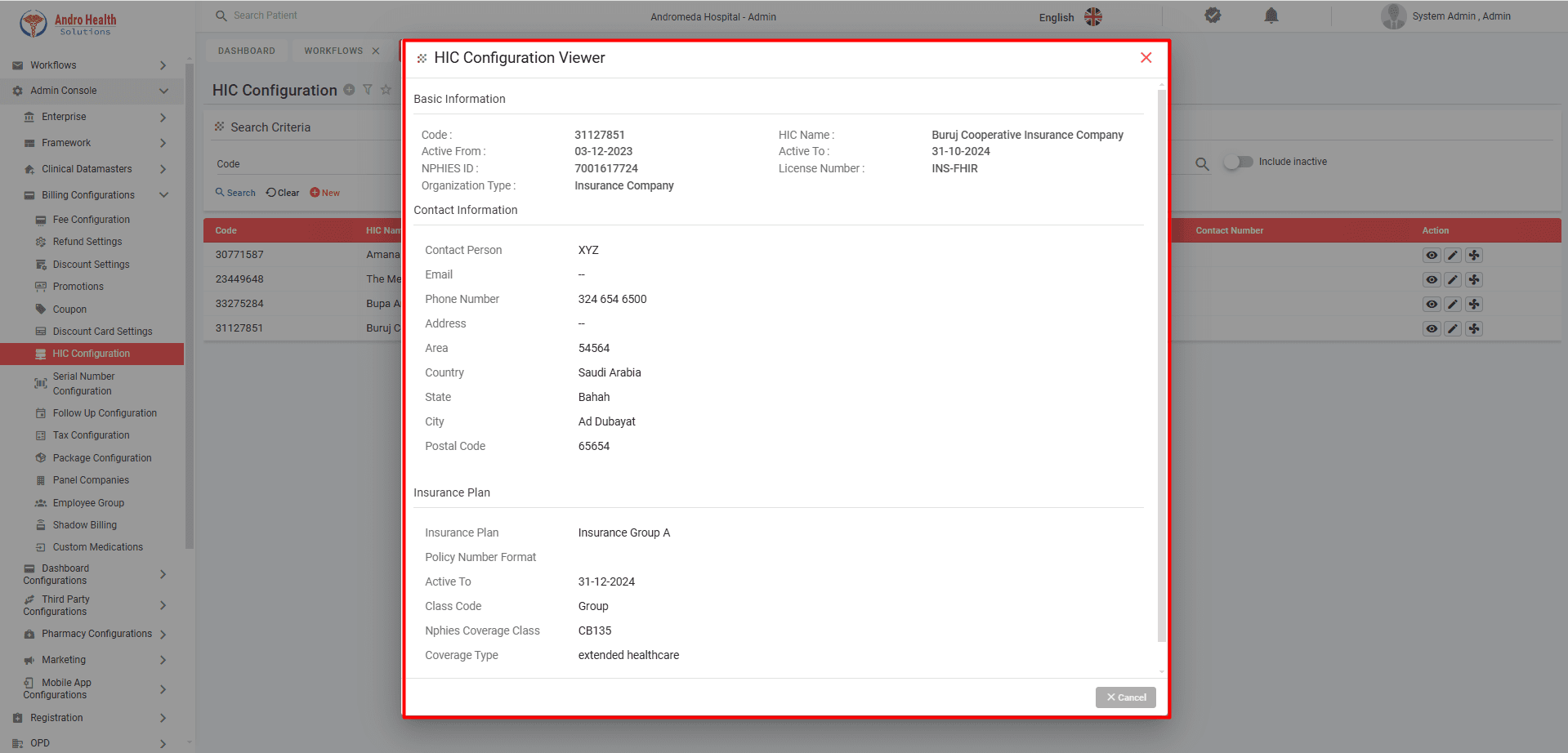
- Each insurer's details: NPHIES ID, licence number and insurance plans.
- The staff responsible for eligibility, approvals and claims, named and trained.
- Diagnoses coded with valid, current ICD-10 codes.
3. What your system must provide
- Messages in the HL7 FHIR standard that NPHIES uses.
- The transactions you need: eligibility, prior authorization, claims submission and tracking, payment reconciliation, and pharmacy claims where relevant.
- Communication with insurers and inquiries for pending replies.
- Checks on required fields and ICD-10 codes before submission.
- A secure connection based on digital certificates.
- An audit log of every transaction, with each request and its reply viewable.
- A vendor that appears on the system vendors list on the NPHIES website.
AndroHealth provides these items, and Andromeda Information Technology, its developer, is on that list. Details are on the NPHIES integration page.
What the integration does not cover
AndroHealth's NPHIES integration covers health-insurance transactions. It is not a connection to the national unified health record.
Who does what with AndroHealth
- Your facility: provides its NPHIES credentials, and its contracts and price lists with insurers.
- The AndroHealth team: sets up the credentials in the system, configures insurers with their price lists, and trains your team in online sessions.
- Timing: once your facility has its NPHIES credentials, the integration is usually switched on within one to two days.
- Fees: NPHIES integration is an add-on, priced separately from the subscription.
Frequently asked questions
How do I get an NPHIES ID for my facility? From the Seha platform, according to the registration page on the NPHIES website. It is the 14-digit unified number.
Is NPHIES Academy training required? Yes. The registration page lists qualification and training through the Academy as a registration step, and the Academy certificate among the documents to upload.
How long does it take to switch on? Once your facility has its NPHIES credentials, the AndroHealth team usually switches on the integration within one to two days.
Do we need servers on site? No. AndroHealth is cloud-based and runs in the browser.
Who do I contact at NPHIES? The NPHIES contact centre on 920033808 or support@nphies.sa.
Next step
Read How to connect your healthcare facility to NPHIES, or request a quote for NPHIES integration.
Try AndroHealth for Free
Request a 7-day free trial, extendable if needed, and discover how AndroHealth can transform your healthcare facility management
Related Articles
November 19, 2026
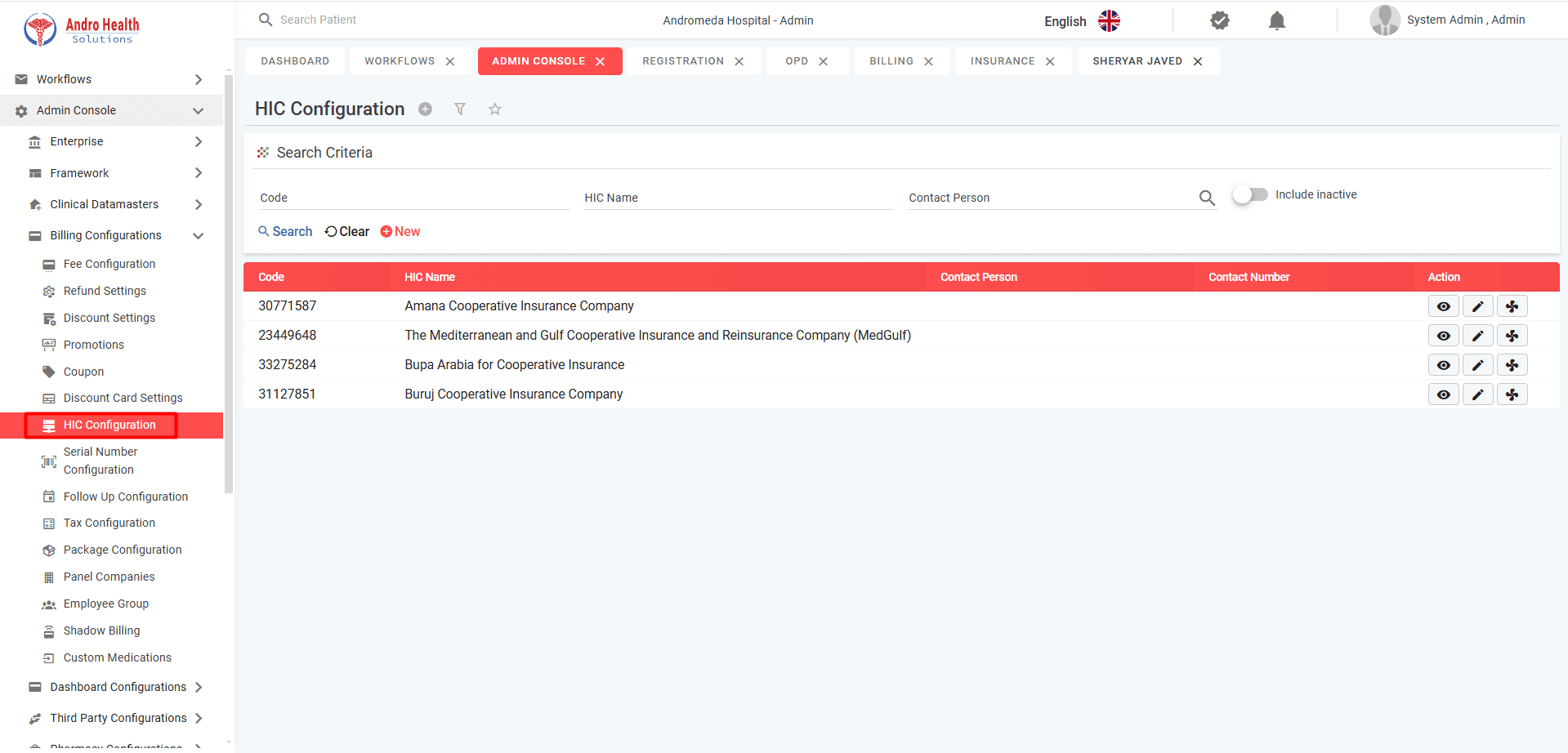
How to Connect Your Healthcare Facility to NPHIES: The Steps
A practical guide to NPHIES integration for Saudi healthcare facilities: the NPHIES ID, the NPHIES Academy, unified portal registration, system setup, and the daily workflow after you connect.
November 19, 2026
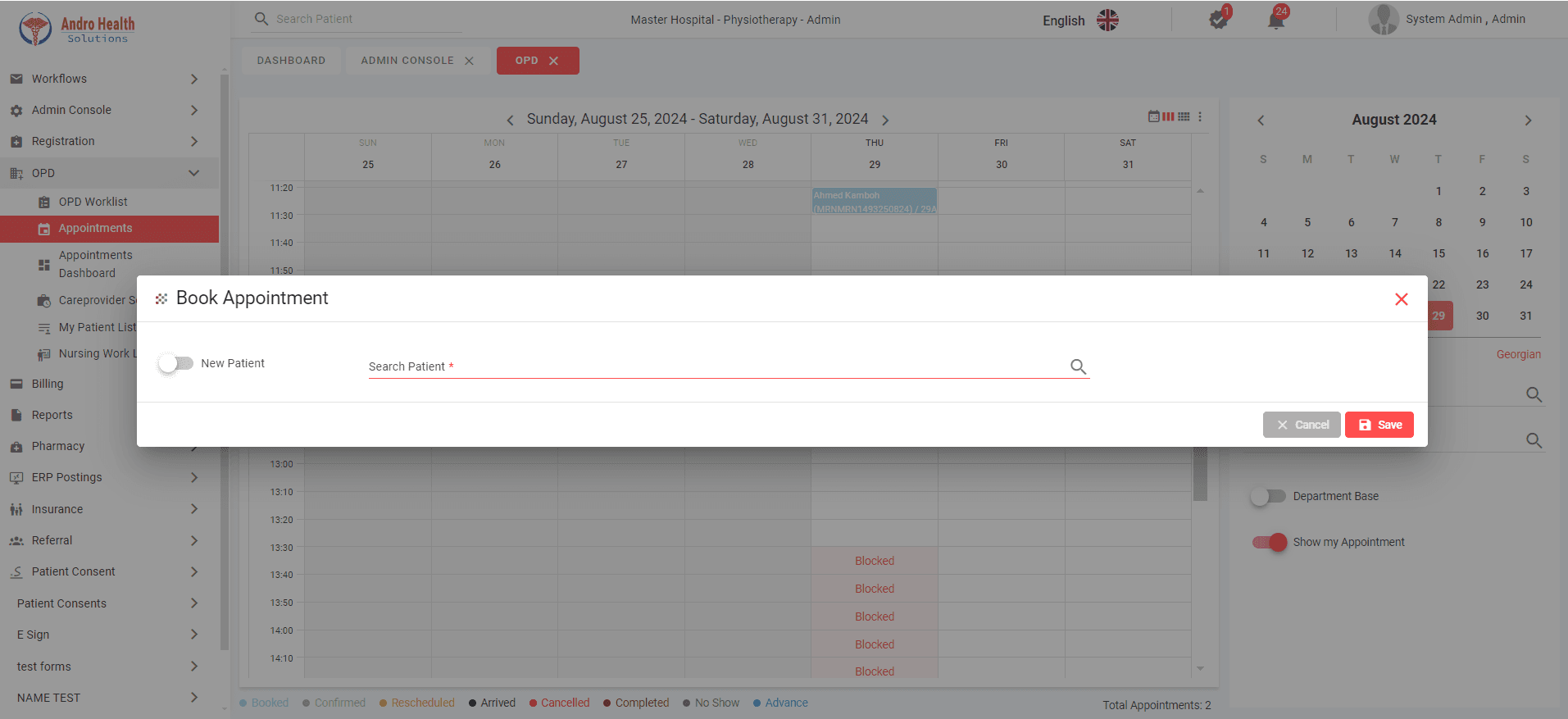
How to Choose Clinic Management Software in Saudi Arabia: 8 Questions to Ask
Eight questions that help you choose the right clinic management software in Saudi Arabia: specialty, appointments, medical records, invoicing, NPHIES, cloud, support and price.
November 19, 2026
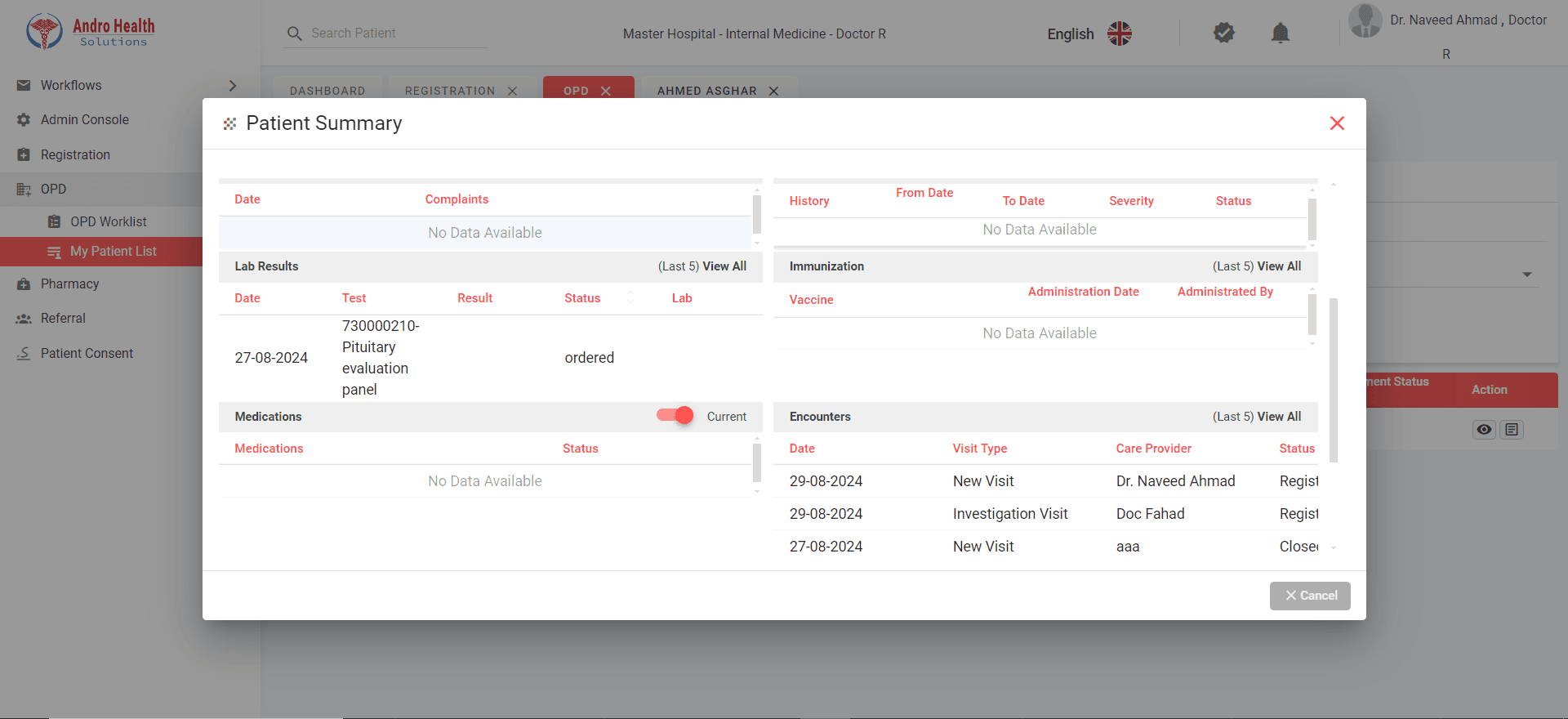
Hospital Management System in Saudi Arabia: What It Is, Its Modules and What Drives the Cost
A plain explanation of the hospital management system (HIS): what it does, its core modules, what healthcare facilities in Saudi Arabia need from it, and what drives its cost.