Medical appointments and doctor schedules
Run your appointments from one calendar: book existing and new patients, manage doctor and location schedules, take walk-ins, and send automatic reminders that patients answer to confirm, cancel or reschedule.
What appointment management covers
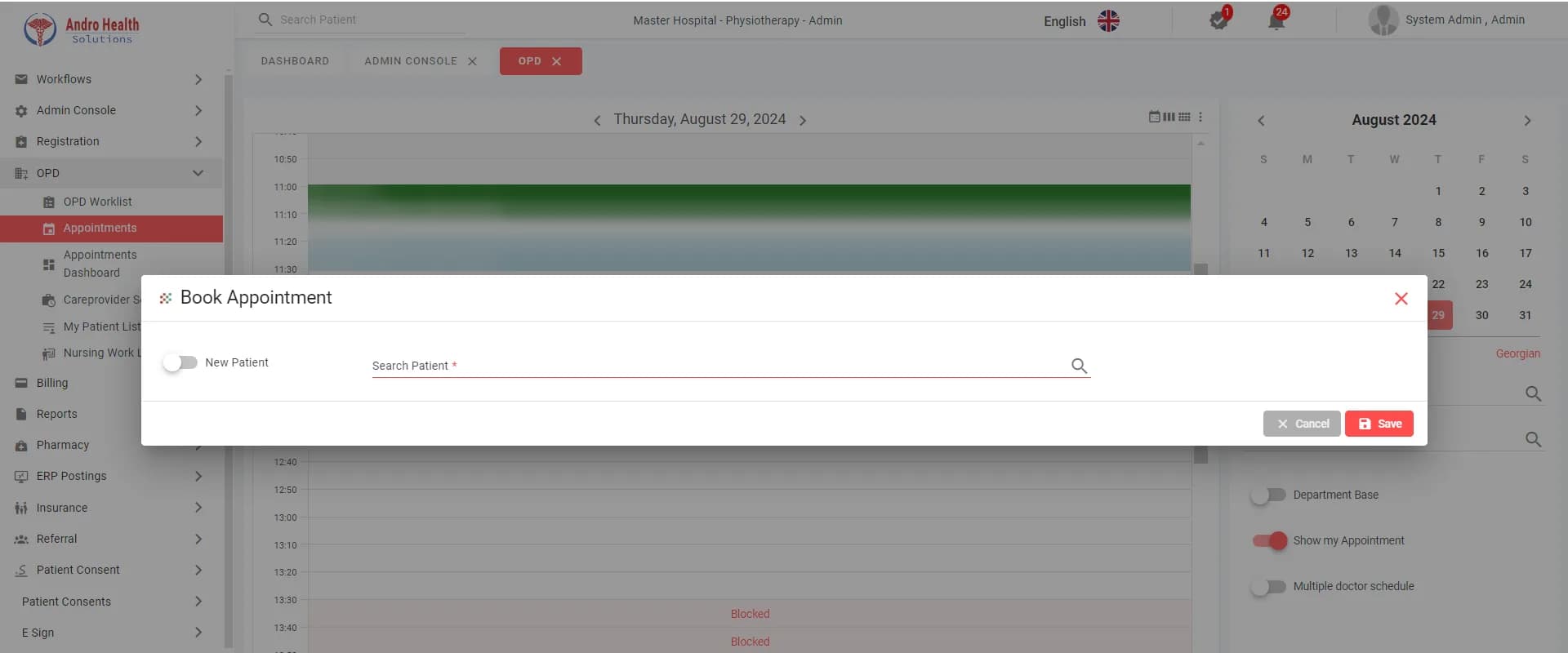
Appointment calendar
Daily, weekly and monthly views, several doctors from different departments side by side, and a switch between Hijri and Gregorian dates.
Booking for existing and new patients
Pick a slot, find the patient by name or medical record number, or register a new patient in the same step. Set the visit type, service, payment mode (self-pay, panel payer or insurance), priority, and whether the visit is in person or virtual. Patients can also book themselves through the patient portal.
Conflict warnings
If the patient already has an appointment at that time, you are warned before saving and decide whether to continue.
Doctor and location schedules
Care-provider schedules with working days and hours, blocked session time with a reason, and appointments booked against locations such as operating theatres, private rooms and diagnostic units.
Walk-in patients
Register walk-ins, assign them to the next available doctor and manage the waiting list by priority: emergency, urgent or normal.
Automatic reminders
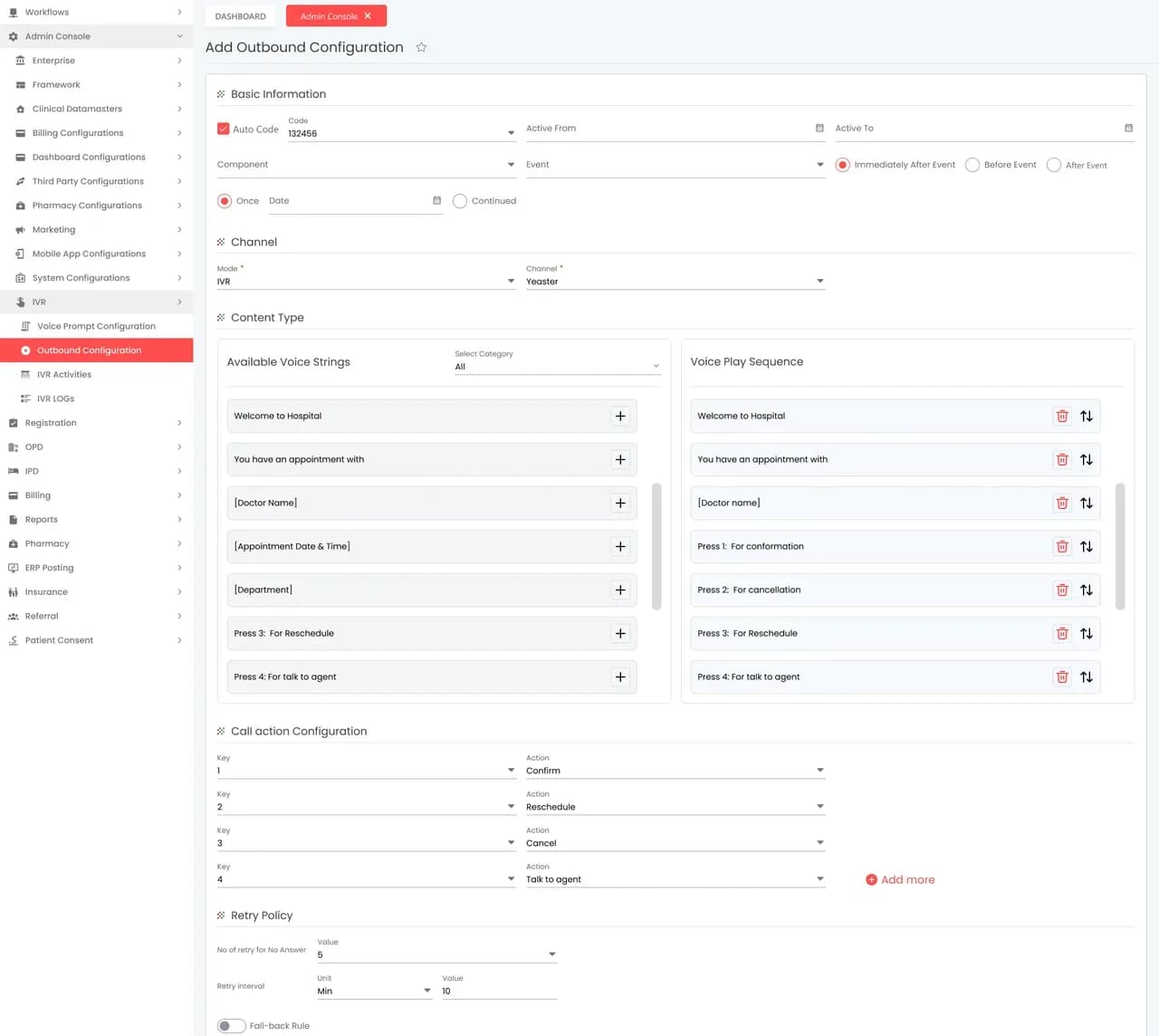
Send a reminder a set time before the appointment by interactive voice call, WhatsApp, SMS or email, and the patient’s reply is saved on the appointment. If one channel fails, the system can fall back to another.
From booking to consultation
Booking
The appointment is booked from the calendar or the patient portal as Booked or Confirmed.
Reminder
The reminder goes out on time and the patient’s reply is recorded: confirm, cancel or reschedule.
Arrival
Reception marks the patient as arrived from the outpatient work list.
Vital signs
Nurses record vital signs from the nursing work list, and they appear in the doctor’s medical record.
Consultation
The doctor starts the visit from the list, which moves it to In Progress, then Discharged once the visit is signed.
Follow-up
The appointment dashboard shows appointments per department and per doctor, with arrival status.
Inside the system
Screens from the AndroHealth user manual, with patient details hidden.
Appointment statuses
Every appointment carries a status: booked, confirmed, rescheduled, arrived, cancelled, no-show or completed, and cancelled appointments can be shown or hidden.
Reminder channels
Reminders use the channels configured for your facility: WhatsApp, SMS and email, plus a phone exchange (PBX) for voice calls. Any messaging charges are those of the channel provider.
Appointment management: frequently asked questions
Ready to transform your healthcare facility?
Start your free trial today and see the difference.